Elevate Video Editor Review 2026: The Figma of Video Editing?
Looking for a truly collaborative Elevate video editor review? You are in the right place.
Traditional video editing has always relied on heavy, localized desktop software, massive storage drives, and endless rendering times just to share a single draft. Developed by Blackbird plc, Elevate.io is here to completely change that by introducing a cloud-native, browser-based collaborative editing workspace.
By bringing multiplayer real-time timeline co-creation and seamless review panels into a single browser window, this innovative platform is quickly becoming a favorite for modern content teams. Let's dive deep into the features, performance, and pricing of the Elevate video editor to see if it belongs in your workspace.
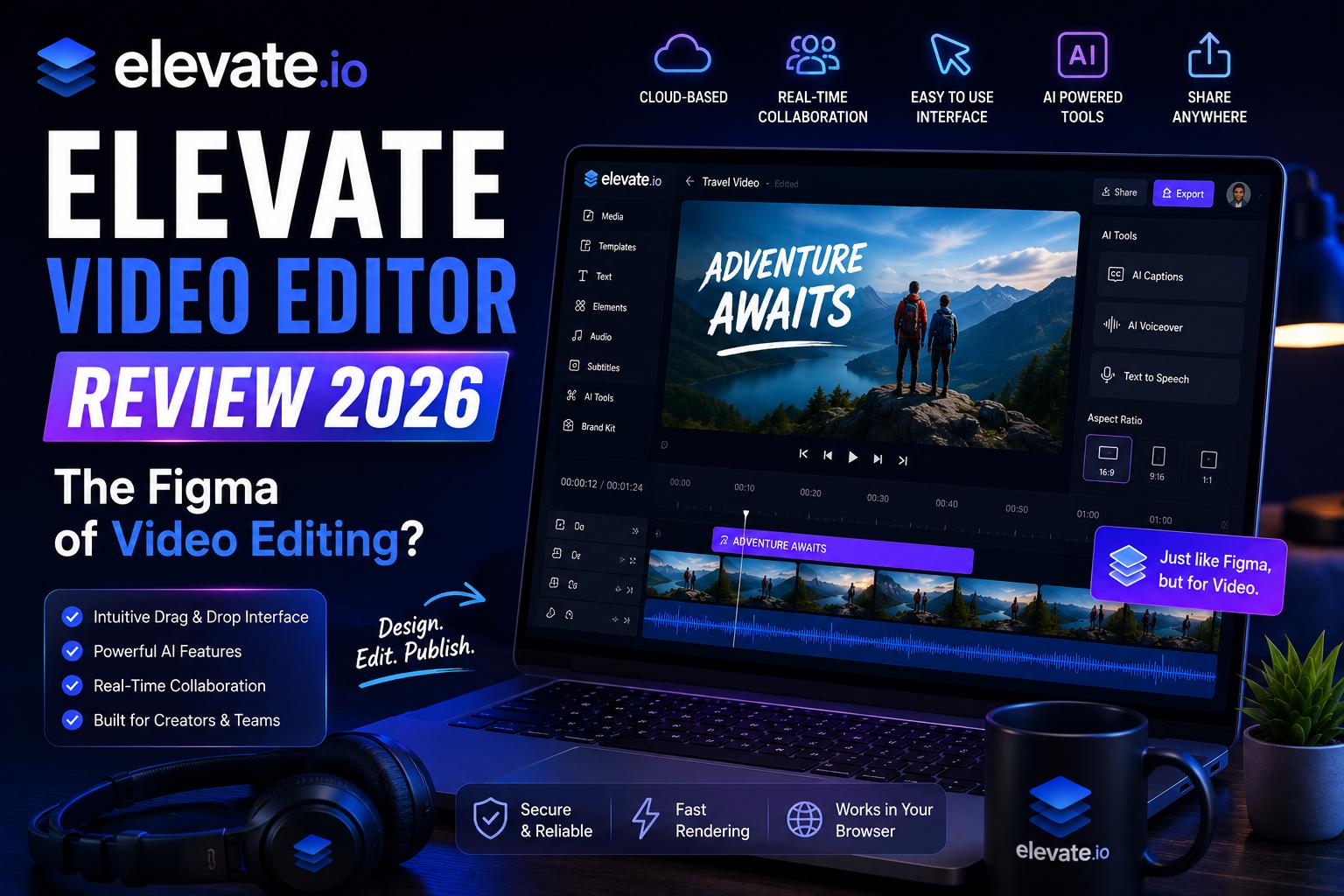
What is the Elevate Video Editor?
The Elevate video editor is a professional, browser-based cloud platform designed to simplify video creation for modern teams, students, and entrepreneurs.
Rather than just offering post-production rendering, it establishes an entirely new category called **Video Co-Creation**. Multiple editors can jump into the exact same timeline simultaneously to cut clips, add assets, and leave frame-accurate comments in real time—without downloading any large software or moving massive files around.
Built on Blackbird’s patented, ultra-responsive cloud technology, the Elevate video editor runs natively in any web browser. From a budget-friendly Chromebook to a high-end MacBook Pro, you can execute frame-accurate video cuts and smooth playbacks on any hardware seamlessly.
Key Features of Elevate.io
Multiplayer Co-Creation
The standout feature of this Elevate video editor. Multiple editors can collaborate on the same timeline in real time, making group video production completely friction-free.
AI-Powered Suite
Includes robust AI assistive tools integrated directly into the workspace, such as automated subtitles, AI Text-To-Speech (TTS), and secure cloud-native AI Image Generation.
Color Grading & LUTs
In recent 2026 updates, the platform rolled out professional color wheels and built-in LUT (Look-Up Table) support, elevating your visual look straight from the browser.
Unified Review & Approvals
Allows stakeholders and clients to join your workspace to leave comments and timeline feedback in real-time, completely skipping the classic export-reupload cycle.
Secure Asset Management
Features built-in Digital Asset Management (DAM) where all your files and project thumbnails are stored securely in one collaborative, private cloud folder.
Zero Watermark
Unlike many online editors that lock clean downloads behind paywalls, the Elevate video editor allows completely clean, watermark-free exports on all plans.
Elevate.io vs. Traditional Video Editors
To understand why the Elevate video editor is gaining so much attention, it is helpful to compare its cloud-native architecture with traditional desktop editing software:
| Feature | Elevate Video Editor | Traditional Desktop Software |
|---|---|---|
| Workspace | 100% Cloud / Browser-based | Heavy desktop installation |
| Team Collaboration | Real-time multiplayer timeline | Asynchronous (Send files back & forth) |
| Hardware Requirements | None (Runs smoothly on Chromebooks) | Expensive high-end GPU & RAM required |
| Storage & DAM | Secure integrated cloud folders | Large external hard drives needed |
| Review Process | Instant timeline comments & feedback | Export, upload to Frame.io, re-render |
Understanding Elevate.io Pricing Plans
The Elevate video editor is highly accessible, offering several flexible tiers depending on your team's size and storage needs:
- Free Starter Plan ($0): Allows up to 5 seats, 25 projects, 5GB of cloud storage, and watermark-free 720p HD exports. It is the perfect entry point for testing the collaborative workspace.
- Creator Plan ($10/month or $15/month depending on promo): Unlocks 2 editor seats, 250GB of cloud storage, unlimited 4K Ultra HD exports, and 100 monthly AI tokens (for AI images and subtitles).
- Pro Plan ($30/month): Best for small agencies and client work. Provides 3 editor seats, advanced project sharing, and expanded storage.
Final Verdict
The Elevate video editor represents a massive shift in how modern creative teams produce content.
While highly complex, cinema-scale productions may still require local desktop horsepower, Elevate.io completely solves the collaboration bottleneck for marketers, educators, and social media agencies.
By combining Figma-style multiplayer editing, built-in AI tools, and professional color grading in a lightweight browser window, it makes team-based video creation faster and more accessible than ever before.
Start Co-Creating with Elevate