How to Use StreamYard for Professional Live Shows in 2026
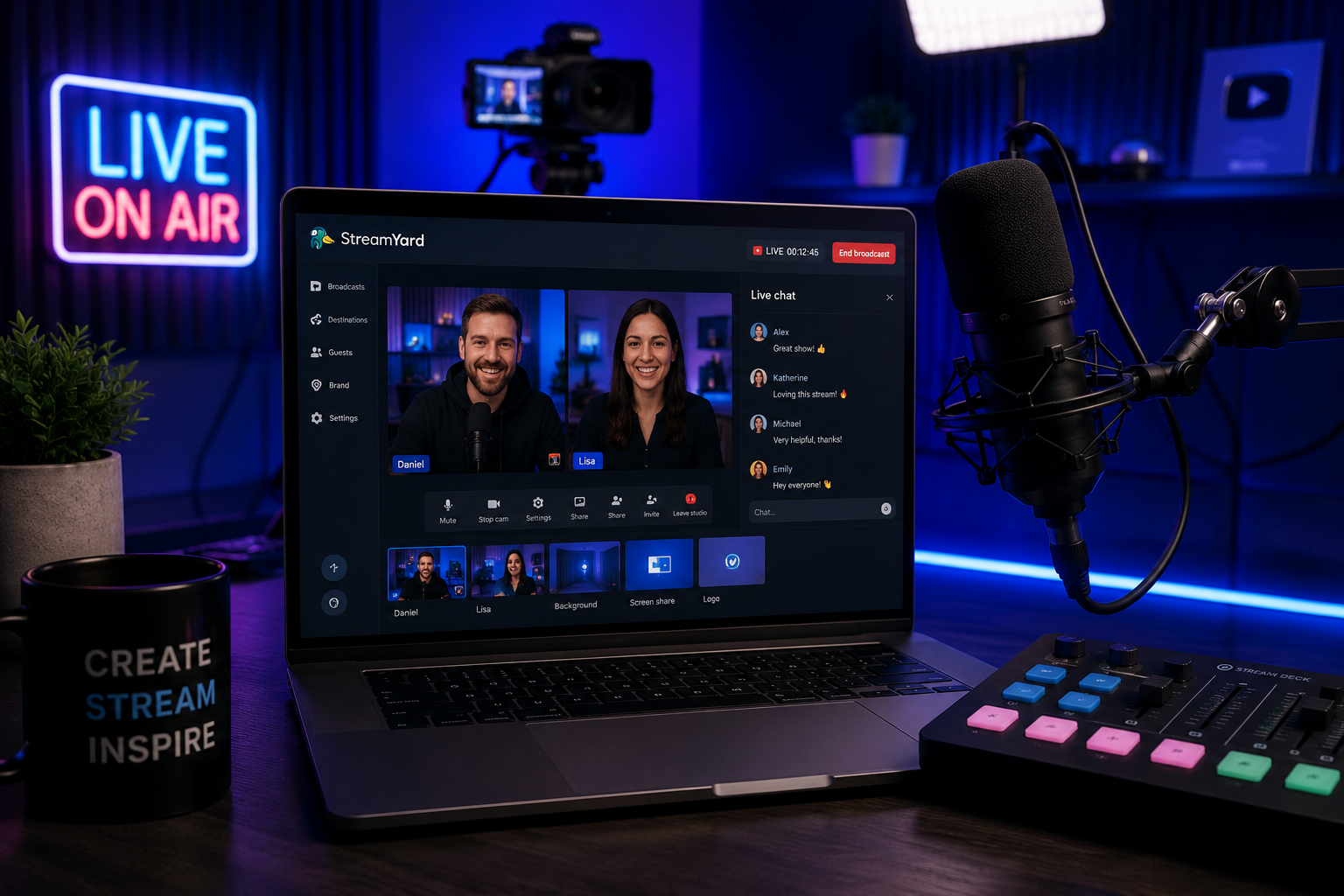
StreamYard is one of the easiest ways to create professional live shows, interviews, podcasts, webinars, and branded broadcasts directly from your browser.
Why StreamYard Is Popular With Creators
StreamYard is popular because it removes much of the technical complexity from live streaming. Instead of configuring advanced software, creators can open a browser, invite guests, add branding, and go live in minutes.
This makes it a strong option for YouTubers, podcasters, coaches, businesses, educators, and anyone who wants clean professional live content without complicated setup.
Best Ways to Use StreamYard
Live Interviews
Invite guests with a simple link and run professional interview-style shows directly from your browser.
Podcasts
Record or livestream podcast episodes with guests, branded layouts, and clean production controls.
Webinars
Host educational sessions, business presentations, product demos, and audience Q&A events.
Social Live Shows
Stream to platforms like YouTube, Facebook, LinkedIn, and other supported destinations.
What Makes StreamYard Easy to Use?
StreamYard works directly inside a web browser, which means creators do not need to install complex broadcasting software. This is one of the biggest reasons beginners and businesses choose it.
Main Advantages
- Browser-based live studio
- Guest invitations with simple links
- Screen sharing
- Branding and overlays
- Comments on screen
- Recording options
- Multistreaming support
- Beginner-friendly workflow
StreamYard for Business and Creators
StreamYard is not only for casual livestreams. Many businesses use it for webinars, announcements, online events, interviews, product launches, and branded video content.
Creators can also use StreamYard to build a consistent show format, invite guests, repurpose recordings, and grow an audience through regular live content.
Tips for Better StreamYard Shows
Use Good Audio
A quality microphone makes a bigger difference than most beginners expect.
Prepare Your Layout
Set up branding, overlays, lower thirds, and scenes before going live.
Invite Guests Early
Send guest links before the show so everyone can test cameras and microphones.
Repurpose Content
Turn live recordings into Shorts, clips, blog posts, and social media content.
Is StreamYard Good for Beginners?
Yes. StreamYard is one of the best live streaming tools for beginners because it focuses on simplicity. You can launch a professional-looking stream without learning complex production software.
Final Thoughts
StreamYard is a strong choice for creators and businesses that want professional live shows without complicated technical setup.
If your goal is to host interviews, podcasts, webinars, or branded livestreams, StreamYard is one of the easiest tools to start with in 2026.
Start Streaming with StreamYard