Riverside vs StreamYard: Which Platform Is Better for Creators?
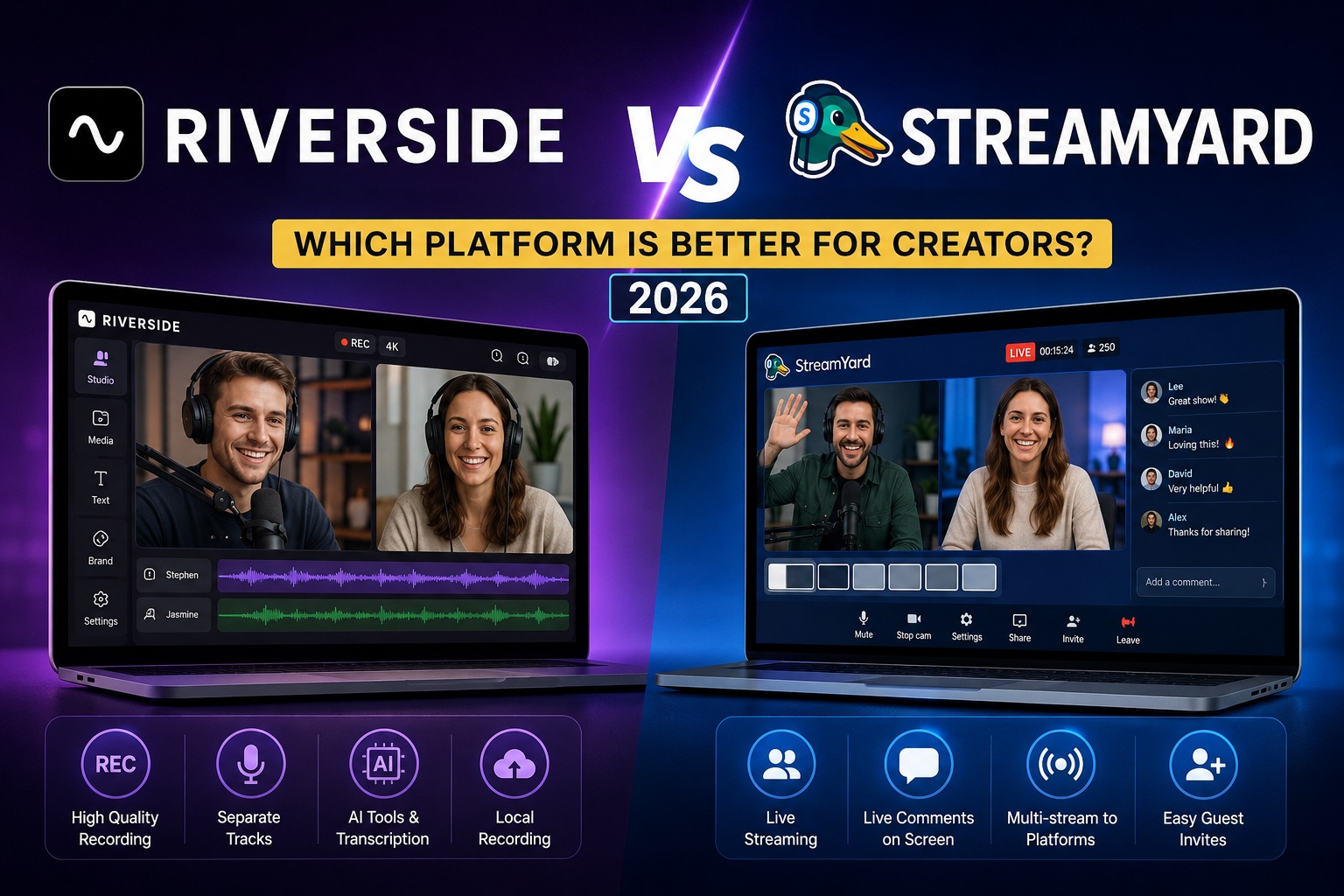
Riverside and StreamYard are both useful tools for creators, but they are not built for the exact same job. One is stronger for high-quality recording, while the other is better for simple live streaming.
Quick Answer
If your main goal is to record podcasts, interviews, or video content in higher quality, Riverside is usually the better choice. If your main goal is to go live, invite guests, show comments, and stream to multiple platforms, StreamYard is usually easier.
Choose Riverside If...
- You record podcasts or interviews
- You care about audio and video quality
- You want separate tracks for editing
- You create clips after recording
Choose StreamYard If...
- You mainly go live
- You want an easy browser studio
- You need viewer comments on screen
- You stream to YouTube, Facebook, LinkedIn, or other platforms
Riverside vs StreamYard Comparison
| Feature | Riverside | StreamYard |
|---|---|---|
| Main Purpose | Podcast and video recording | Live streaming and online shows |
| Best For | Podcasters, interview creators, YouTubers | Live streamers, webinars, live events |
| Recording Quality | Very strong, with separate tracks | Good, but more live-focused |
| Live Streaming | Available, but not the main focus | One of its strongest features |
| Ease of Use | Easy, but more production-focused | Very beginner-friendly |
What Riverside Does Better
Riverside is better when the final recording matters more than the live show itself. For example, if you are recording a podcast interview and want to edit it later, Riverside gives you more control.
Separate audio and video tracks make a big difference. If one guest is too quiet or someone makes a mistake, editing is much easier because every participant has their own file.
- Better for podcast recording
- Better for remote interviews
- Better for editing after recording
- Better for creators who want high-quality final files
What StreamYard Does Better
StreamYard is better when you want to go live without stress. You can invite guests, show comments, add branding, share your screen, and stream to multiple platforms from one browser-based studio.
For live shows, webinars, interviews, church streams, business broadcasts, and simple YouTube or Facebook lives, StreamYard feels very straightforward.
- Better for live streaming
- Better for showing viewer comments
- Better for simple guest interviews
- Better for beginners who want a fast setup
Can You Use Both?
Yes. Some creators may actually use both tools. StreamYard can be useful for live shows, while Riverside can be better for polished interviews, podcasts, and content that needs editing after the session.
But if you are just starting, it is better to choose one based on your main workflow. If you record more than you go live, start with Riverside. If live streaming is your priority, start with StreamYard.
Final Verdict
Riverside and StreamYard are both strong creator tools, but they solve different problems. Riverside is the better choice for creators who care about recording quality, editing, and podcast production. StreamYard is the better choice for creators who want to go live quickly and manage broadcasts from a simple browser studio.
The best choice depends on what you create most often. For podcasts and remote interviews, choose Riverside. For live streams and webinars, choose StreamYard.
Start with Riverside Start with StreamYard