How to Create Videos with InVideo AI in 2026
AI video tools are getting better fast, and InVideo AI is one of the easiest ways to turn ideas into finished videos without spending hours editing.
Whether you create YouTube videos, shorts, faceless content, tutorials, or social media clips, InVideo AI can save a huge amount of time.
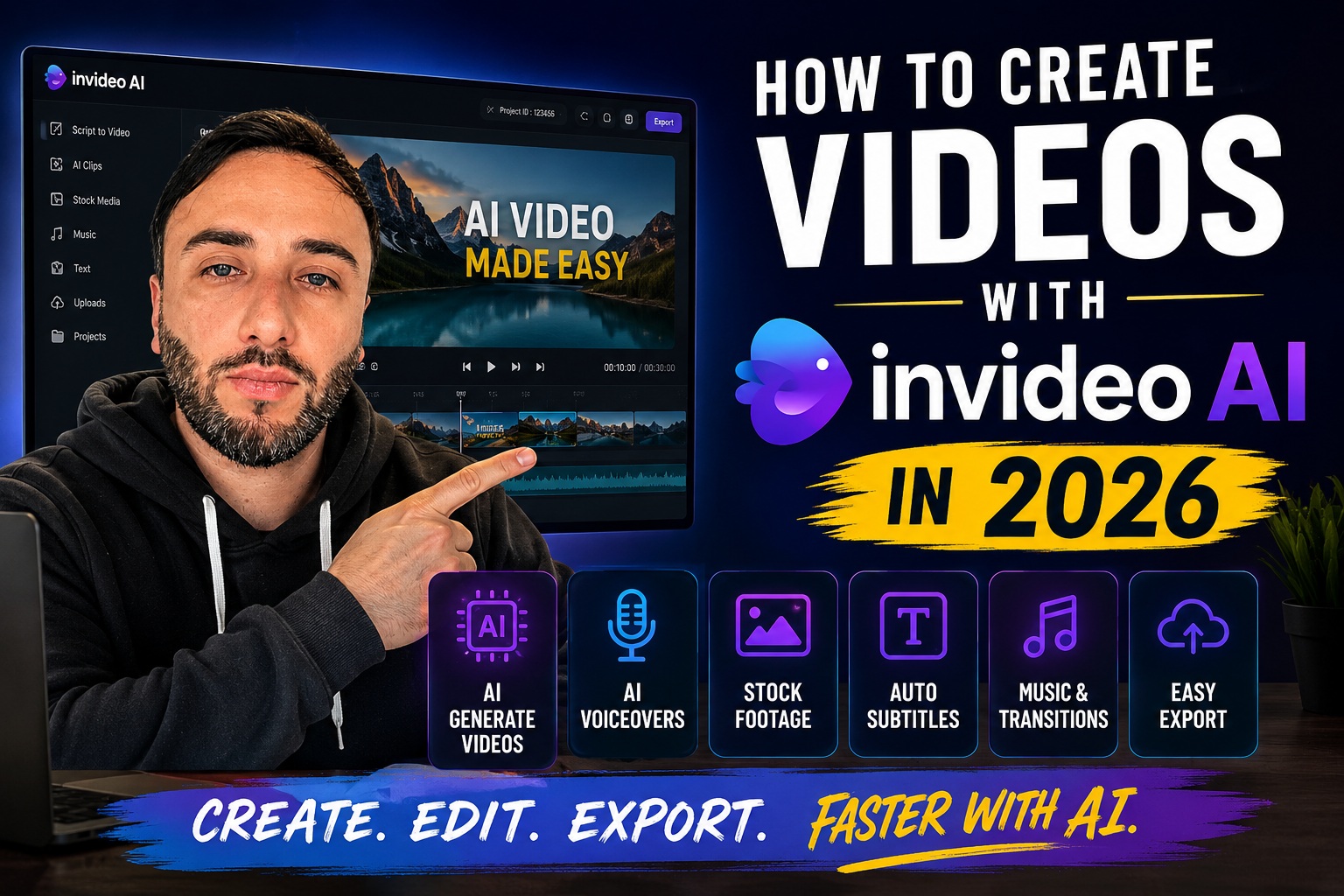
What Is InVideo AI?
InVideo AI is an AI-powered video creation platform that helps creators generate videos from simple text prompts.
Instead of manually editing timelines for hours, you can describe the type of video you want, and the platform automatically generates scenes, visuals, voiceovers, subtitles, and transitions.
You type: “Create a YouTube video about the best streaming tools for beginners.”
InVideo AI can automatically generate a full video structure with narration, stock footage, subtitles, and music.
Why Creators Are Using InVideo AI
Faster Workflow
Instead of spending hours editing clips manually, creators can generate videos much faster and focus more on ideas and content strategy.
Beginner Friendly
You do not need advanced editing skills to start creating content. The platform handles most of the heavy work automatically.
Faceless Content
Many YouTube creators use AI video tools to create faceless videos, tutorials, explainers, shorts, and educational content.
Built-In Assets
InVideo AI includes stock footage, music, subtitles, voiceovers, and transitions inside one workflow.
How to Create a Video with InVideo AI
Choose Your Video Idea
Start with a simple idea or topic. For example: “Best podcast tools for creators” or “How to grow a YouTube channel.”
Enter a Prompt
Describe your video naturally. The more details you provide, the better the results usually look.
Generate the Video
InVideo AI automatically creates scenes, voiceovers, visuals, subtitles, and transitions based on your prompt.
Edit and Customize
You can replace clips, change music, adjust subtitles, edit text, or swap voiceovers before exporting.
Export Your Final Video
Once everything looks good, export the final version for YouTube, TikTok, Instagram Reels, or other platforms.
Who Should Use InVideo AI?
InVideo AI can work well for:
- YouTube creators
- Faceless content channels
- Short-form creators
- Social media marketers
- Podcast clip creators
- Beginners learning content creation
What We Like About InVideo AI
- Easy to start using
- Fast AI workflow
- Built-in stock footage
- Automatic subtitles
- Good for faceless videos
- Helpful for beginners
- Simple editing workflow
- Useful for social media content
Final Thoughts
AI video creation tools are becoming part of modern creator workflows, and InVideo AI is one of the easiest platforms to start with.
It may not replace professional editing software for every project, but for fast content creation, faceless videos, tutorials, social media clips, and beginner workflows, it can save a huge amount of time.
If you want a faster way to create videos in 2026, InVideo AI is definitely worth exploring.
Explore InVideo AI