Switcher Studio Review 2026: Is It Worth It for Live Streaming?
Switcher Studio is one of the most interesting live streaming platforms for creators who want a multicamera setup without investing in expensive production gear.
Instead of using large broadcasting setups, Switcher lets creators use iPhones and iPads as wireless camera angles for live productions, interviews, webinars, podcasts, sports streams, and online shows.
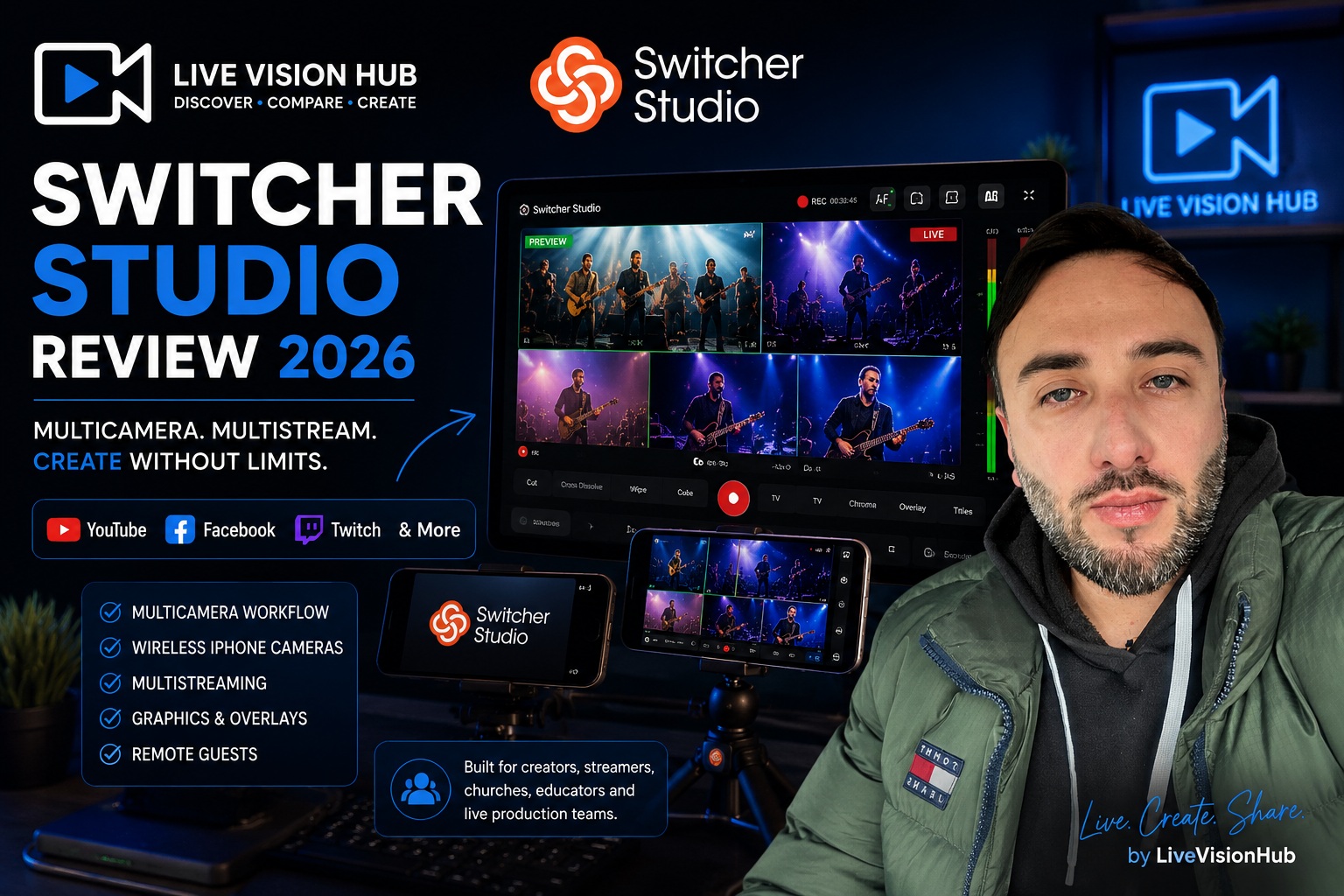
What Is Switcher Studio?
Switcher Studio is a multicamera live streaming and video production platform built mainly for iOS devices. It allows creators to connect multiple iPhones, iPads, webcams, and cameras together into one live production workflow. :contentReference[oaicite:1]{index=1}
One device becomes the main switching device, while other devices work as wireless camera angles. This allows creators to switch between shots in real-time during live streams or recordings. :contentReference[oaicite:2]{index=2}
You can create professional-looking multicamera productions using devices many creators already own — especially iPhones and iPads.
Main Features
Multi-Camera Streaming
Switcher allows creators to connect up to multiple camera angles wirelessly and switch between them live during productions. :contentReference[oaicite:3]{index=3}
Multistreaming
You can stream simultaneously to platforms like YouTube, Facebook, Twitch, and more from one workflow. :contentReference[oaicite:4]{index=4}
Graphics & Overlays
Add logos, lower thirds, text overlays, split-screen layouts, scoreboards, slides, and branded visuals during live productions. :contentReference[oaicite:5]{index=5}
Remote Guests
Invite remote guests and collaborators directly into live productions for interviews, podcasts, or webinars. :contentReference[oaicite:6]{index=6}
What We Like About Switcher Studio
One thing that makes Switcher Studio stand out is simplicity. Compared to larger broadcast workflows, the platform feels approachable for creators who want professional results without learning complicated production software.
The multicamera workflow is especially useful for:
- Church live streams
- Sports broadcasts
- Live podcasts
- Interviews
- Product demos
- Educational livestreams
- Creator shows
Using iPhones as camera angles is surprisingly practical because modern phone cameras already look very good.
Switcher Studio vs Traditional Streaming Setups
| Feature | Switcher Studio | Traditional Setup |
|---|---|---|
| Camera Workflow | Wireless iPhones & iPads | Dedicated cameras |
| Ease of Setup | Beginner friendly | More technical |
| Multicamera Production | Built-in | Usually requires extra hardware |
| Streaming Platforms | Multiple platforms | Depends on setup |
| Best For | Creators, churches, sports, webinars | Advanced broadcast production |
Things to Consider
Switcher Studio works best inside the Apple ecosystem because the platform heavily focuses on iPhones and iPads. Creators who mainly use Android devices may prefer different workflows. :contentReference[oaicite:7]{index=7}
Also, while the platform is powerful, advanced creators who want extremely complex productions may still prefer larger desktop broadcasting setups with dedicated hardware.
Who Should Use Switcher Studio?
Great For
- Church streaming teams
- Sports streaming
- Creators using iPhones
- Live podcast productions
- Educational livestreams
Maybe Not Ideal For
- Complex TV-level productions
- Android-focused workflows
- Large studio environments
- Advanced hardware-heavy broadcasting
Final Verdict
Switcher Studio is a strong option for creators who want multicamera live streaming without building a complicated broadcast studio.
The ability to use iPhones and iPads as camera angles makes the workflow much more accessible for creators, churches, educators, sports streamers, and small production teams.
It may not replace advanced production environments for every creator, but for many live streaming workflows, Switcher Studio offers a practical and modern solution that is much easier to manage.
Try Switcher Studio