Best Live Streaming Platforms for Creators in 2026
Live streaming has become one of the most important tools for creators, businesses, podcasters, churches, educators, and brands. But choosing the right live streaming platform can be confusing because every tool focuses on different workflows.
In this guide, we compare some of the most popular live streaming and recording platforms including StreamYard, OneStream Live, Riverside, and Switcher Studio.
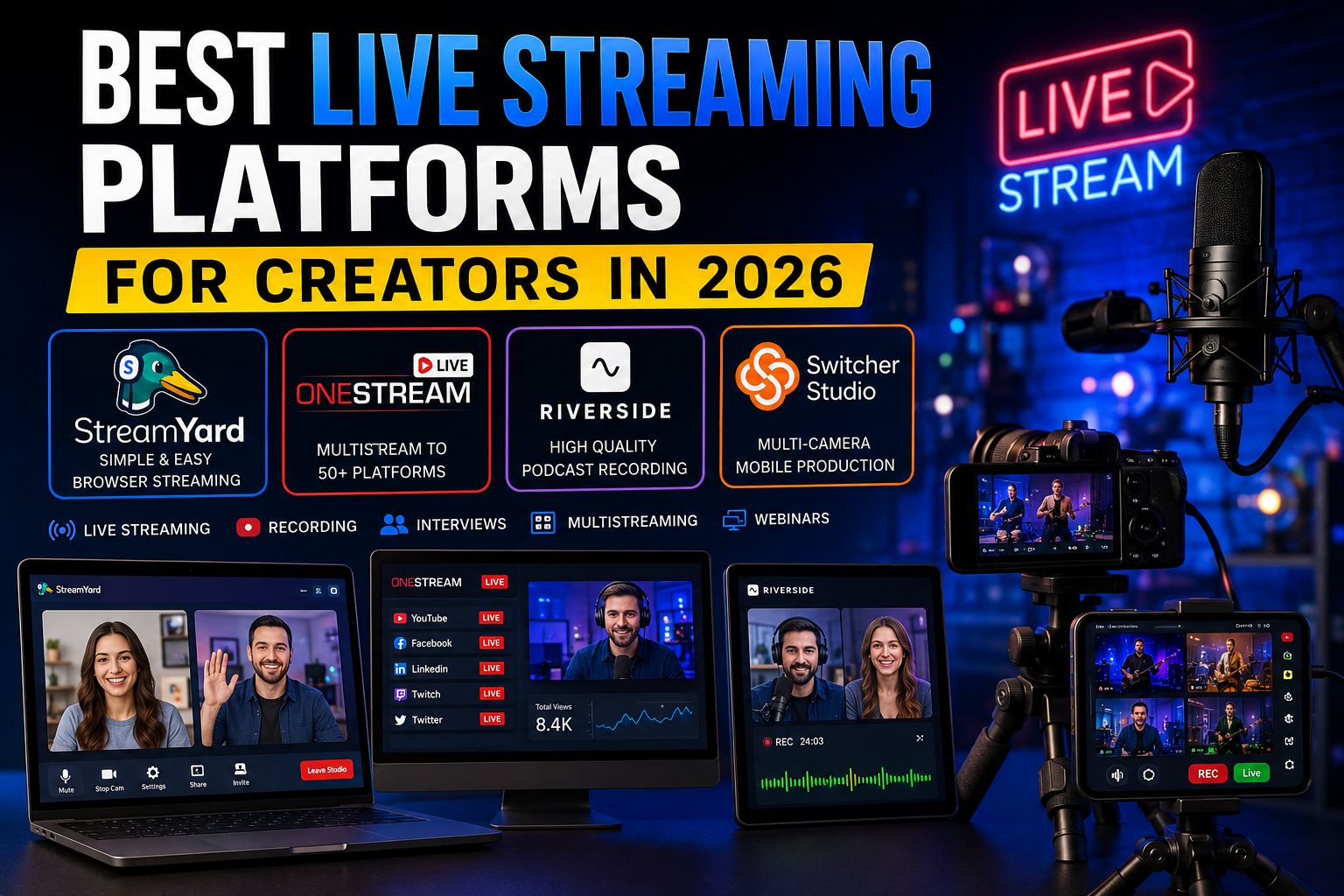
It depends on your workflow. Some creators want simple browser-based live streaming. Others need high-quality podcast recording, cloud multistreaming, or multi-camera production using mobile devices.
Affiliate disclosure: we may earn a commission if you sign up through our links, at no extra cost to you.
What Is StreamYard?
StreamYard is one of the easiest browser-based live streaming studios available right now. It allows creators to livestream, record podcasts, host webinars, invite guests, and multistream directly from a web browser without complicated setup.
One of the biggest advantages of StreamYard is simplicity. Many creators use it because they can go live quickly without dealing with advanced broadcasting software or encoder settings.
Explore StreamYardWhat Is OneStream Live?
OneStream Live is a cloud-based multistreaming platform designed for creators and businesses that want to stream to multiple platforms simultaneously. It supports both real-time and pre-recorded streaming workflows.
OneStream Live is especially popular for scheduled streaming, playlist streaming, RTMP workflows, and broadcasting to multiple destinations at once.
Explore OneStream LiveWhat Is Riverside?
Riverside focuses heavily on high-quality recording for podcasters, interviews, webinars, and creator content. One of its strongest features is local recording, where audio and video are recorded directly on each participant’s device for better quality.
Riverside also supports 4K video recording, AI editing tools, livestreaming, transcripts, and social content repurposing workflows.
Explore RiversideWhat Is Switcher Studio?
Switcher Studio is a live streaming and multi-camera production platform focused heavily on iPhones and iPads. It allows creators to use mobile devices as wireless camera angles during live productions.
Switcher Studio is often used for sports streams, churches, interviews, educational livestreams, and creator productions that need multicamera workflows without expensive hardware.
Explore Switcher StudioBest Streaming Platform Comparison
| Platform | Best For | Main Strength | Workflow Style |
|---|---|---|---|
| StreamYard | Creators & livestreamers | Simple browser streaming | Beginner friendly |
| OneStream Live | Multistreaming | Cloud scheduling & RTMP | Automation focused |
| Riverside | Podcasts & interviews | High-quality local recording | Content production |
| Switcher Studio | Mobile multicamera production | iPhone & iPad workflows | Live production focused |
Which Platform Should You Choose?
Choose StreamYard If...
- You want simple browser streaming
- You host interviews or webinars
- You want fast setup
- You stream to multiple platforms
Choose OneStream Live If...
- You need advanced multistreaming
- You want scheduled streams
- You use RTMP workflows
- You broadcast to many platforms
Choose Riverside If...
- You record podcasts remotely
- You need high-quality audio
- You create interview content
- You want local recording quality
Choose Switcher Studio If...
- You use iPhones or iPads
- You want multicamera streaming
- You produce sports or church streams
- You need mobile live production
Final Thoughts
There is no single “best” live streaming platform for everyone. The right tool depends on your workflow, production style, audience, and content goals.
For simple livestreaming workflows, many creators prefer StreamYard. For cloud multistreaming and automation, OneStream Live is a strong option. For podcasts and studio-quality recordings, Riverside stands out. And for mobile multicamera productions, Switcher Studio offers a very unique workflow.
As live streaming continues growing in 2026, creators now have more powerful browser-based and cloud-based tools than ever before.