How to Start a Podcast From Home in 2026
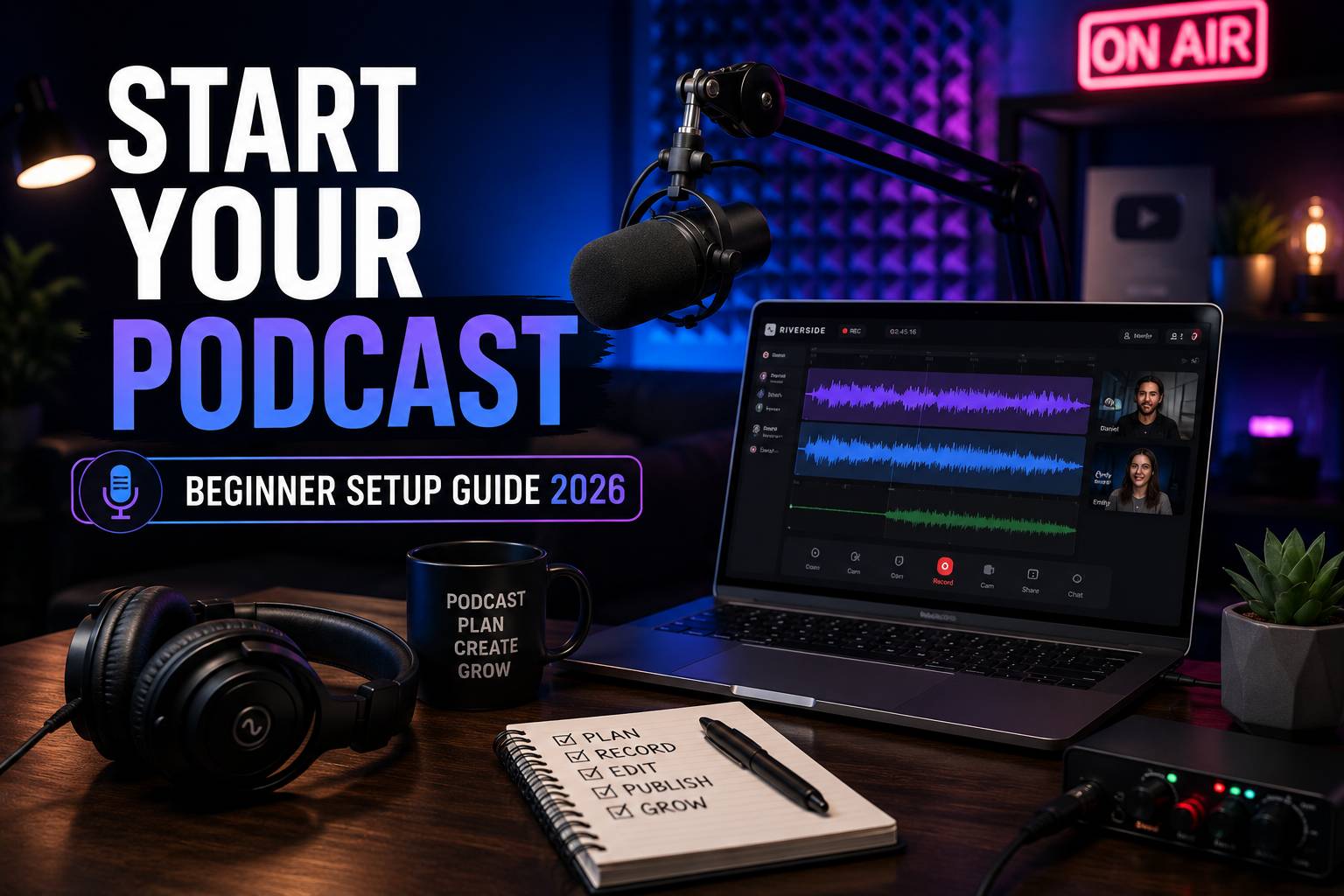
Starting a podcast is easier than ever. With the right microphone, recording platform, and basic setup, creators can launch a professional podcast directly from home.
Why Podcasting Is Growing
Podcasts continue to grow because people want content they can listen to while driving, working, exercising, or relaxing. For creators, podcasts are also one of the best ways to build an audience, create long-form content, and repurpose clips for social media.
Many YouTubers, businesses, coaches, and creators now use podcasts to connect with audiences more personally and consistently.
What Equipment Do You Need?
Microphone
A good microphone is the most important part of your setup. USB microphones are usually the easiest option for beginners.
Headphones
Closed-back headphones help you monitor audio quality and avoid echo during recordings.
Quiet Room
A quiet recording environment can improve sound quality more than expensive equipment.
Recording Software
You need a platform that records clean audio and supports remote guests if you plan to do interviews.
Best Platform for Recording Podcasts
One of the most popular tools for remote podcast recording is Riverside Studio. It works directly in the browser and supports local recording, separate audio and video tracks, AI transcription, and high-quality recording options.
- Browser-based recording
- Separate audio and video tracks
- Remote guest interviews
- AI transcription tools
- Up to 4K video support
- Podcast clips and social media tools
How to Record Your First Podcast
The easiest way to start is by choosing a simple topic and recording a short episode. Many new podcasters spend too much time trying to make everything perfect before publishing anything.
A simple workflow usually looks like this:
- Choose your topic
- Prepare a short outline
- Test your microphone
- Record your episode
- Edit mistakes and pauses
- Upload your podcast
- Create clips for social media
Common Beginner Mistakes
Buying Too Much Equipment
Many beginners overspend before publishing their first episode. A simple setup is usually enough to start.
Ignoring Audio Quality
Listeners often forgive average video quality faster than poor sound quality.
Trying to Be Perfect
Consistency is usually more important than perfection when starting a podcast.
Not Repurposing Content
Podcast clips can also become YouTube Shorts, TikTok videos, Instagram Reels, and LinkedIn posts.
Can You Start a Podcast for Free?
Yes. Many creators begin with basic equipment and free recording tools. Over time, they upgrade microphones, cameras, lighting, and editing tools as the podcast grows.
The important part is starting consistently and improving the setup gradually.
Final Thoughts
Starting a podcast from home is now easier than ever. With a simple setup and the right recording platform, creators can produce professional-looking and professional-sounding content without building a complicated studio.
If you plan to record interviews, remote conversations, or video podcasts, Riverside Studio is one of the strongest beginner-friendly options available today.
Start Your Podcast with Riverside