OneStream Live Review 2026: Is It the Best Multistreaming Platform?
OneStream Live is a cloud-based live streaming platform that helps creators, businesses, churches, gamers, and educators multistream live and pre-recorded videos to 45+ social media platforms simultaneously.
From browser-based live streaming to scheduled pre-recorded broadcasts, OneStream Live has become one of the most flexible streaming solutions for creators who want professional live production without complicated setups.
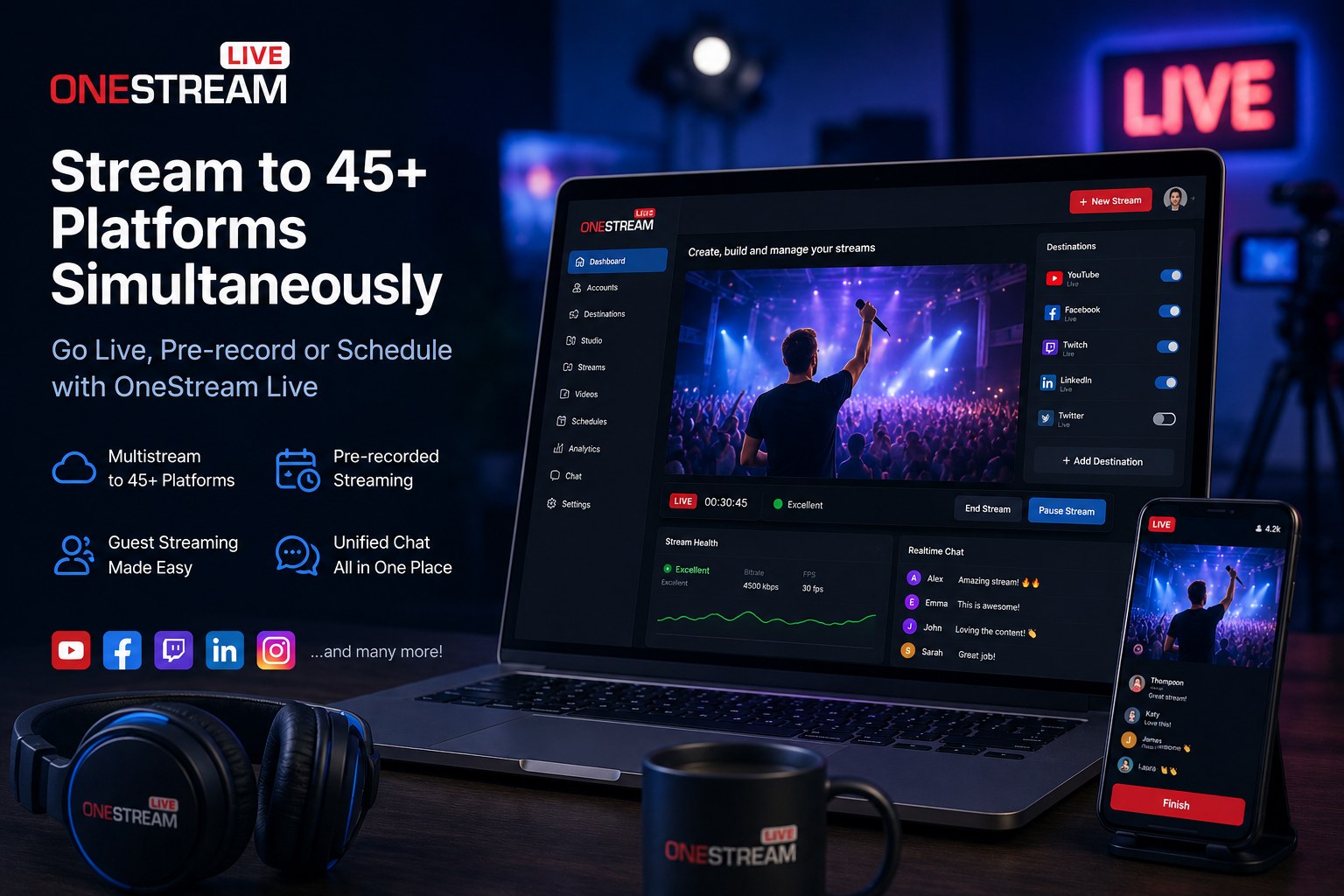
What Is OneStream Live?
OneStream Live is a browser-based multistreaming platform that allows users to stream real-time and pre-recorded content to platforms like YouTube, Facebook Live, Twitch, LinkedIn, Instagram, and custom RTMP destinations at the same time.
Unlike traditional streaming workflows that often require complicated software installations, OneStream Live focuses heavily on cloud streaming and browser accessibility.
You can schedule pre-recorded videos to appear as live broadcasts while simultaneously streaming to multiple platforms from a single workflow.
Main OneStream Live Features
Multistreaming
OneStream Live supports streaming to 45+ social platforms and custom RTMP destinations simultaneously, helping creators maximize reach from one live session.
Pre-Recorded Streaming
Upload videos and schedule them to stream live automatically at specific times without manually going live every time.
Browser-Based Live Studio
Create live streams directly from your browser with guests, overlays, layouts, banners, branding, and screen sharing.
Guest Streaming
Invite guests directly into your stream without requiring them to install software or create an account.
RTMP Support
Connect OBS Studio, Zoom, XSplit, Wirecast, Ecamm, and other RTMP encoders for more advanced live production workflows.
Hosted Live Pages
Create branded live streaming pages without needing separate hosting or complicated website setups.
Why Creators Use OneStream Live
OneStream Live is especially popular among creators who want to grow faster across multiple platforms at once. Instead of streaming only to YouTube or Facebook individually, creators can broadcast everywhere simultaneously.
This is especially useful for:
- YouTube creators
- Church live streams
- Gaming streams
- Educational webinars
- Podcast livestreams
- Sports streaming
- Online coaching
- Business live events
OneStream Live Studio Features
OneStream Live Studio allows creators to build professional streams directly from a browser without needing complicated production software.
Custom Branding
Add logos, overlays, tickers, banners, intros, outros, and custom backgrounds to create more professional broadcasts.
Layouts & Scenes
Use different layouts and scene arrangements to improve livestream presentation quality.
Screen Sharing
Share presentations, tutorials, browser tabs, or documents during streams directly from the browser.
Unified Chat
Manage comments and messages from multiple social platforms in one interface.
OneStream Live vs Traditional Streaming Setups
| Feature | OneStream Live | Traditional Setup |
|---|---|---|
| Streaming Workflow | Cloud-based & browser-based | Software-heavy setup |
| Multistreaming | Built-in | Often requires extra services |
| Pre-recorded Streaming | Native feature | Usually manual setup |
| Guest Streaming | Browser invitations | Can require complex configuration |
| Best For | Creators, churches, webinars, businesses | Advanced production studios |
What We Like About OneStream Live
One of the strongest things about OneStream Live is accessibility. You can launch professional streams directly from a browser without needing a complicated production environment.
The pre-recorded streaming system is also very useful for creators who want consistency without manually going live every day.
OneStream Live is especially powerful for creators and businesses that want to expand audience reach through multistreaming while keeping workflows simple and manageable.
Things to Consider Before Using OneStream Live
While OneStream Live is flexible, advanced broadcast teams that need highly complex studio productions may still prefer larger dedicated desktop production environments.
Also, some advanced features and higher streaming limits depend on the subscription plan you choose.
Who Should Use OneStream Live?
Great For
- Content creators
- Church streaming teams
- Webinars & online events
- Businesses & brands
- Gaming streams
- Coaches & educators
- Sports streaming
Maybe Not Ideal For
- TV-level broadcast environments
- Very advanced hardware-heavy productions
- Users who only stream occasionally
- Complex local-only studio setups
OneStream Live Pricing
OneStream Live offers free and paid plans depending on your streaming needs, number of destinations, recording features, and production tools.
Since pricing and platform features may change over time, it is always best to check the latest plan details directly on the official website.
Check OneStream Live PricingFinal Verdict
OneStream Live is a strong option for creators and businesses that want easy multistreaming, pre-recorded live broadcasts, and browser-based live production tools without complicated setups.
The platform is especially useful for creators who want to stream to multiple platforms simultaneously while simplifying production workflows.
It may not replace every advanced broadcast environment, but for many modern livestreaming workflows, OneStream Live offers a practical, flexible, and beginner-friendly solution.
Try OneStream Live