
OneStream Live Review 2026: Best Way to Stream Pre-Recorded Videos?
Looking for the ultimate OneStream Live Review before signing up? You are in the right place.
In 2026, content creators and businesses are increasingly leveraging streaming media to boost audience engagement. However, hosting 24/7 live broadcasts manually is exhausting. This is where cloud-based streaming networks step in.
In this comprehensive OneStream Live Review, we will analyze their pre-recorded video scheduling, real-time web studio, pricing, and multi-streaming destinations to help you determine if it is the best fit for your workflow.
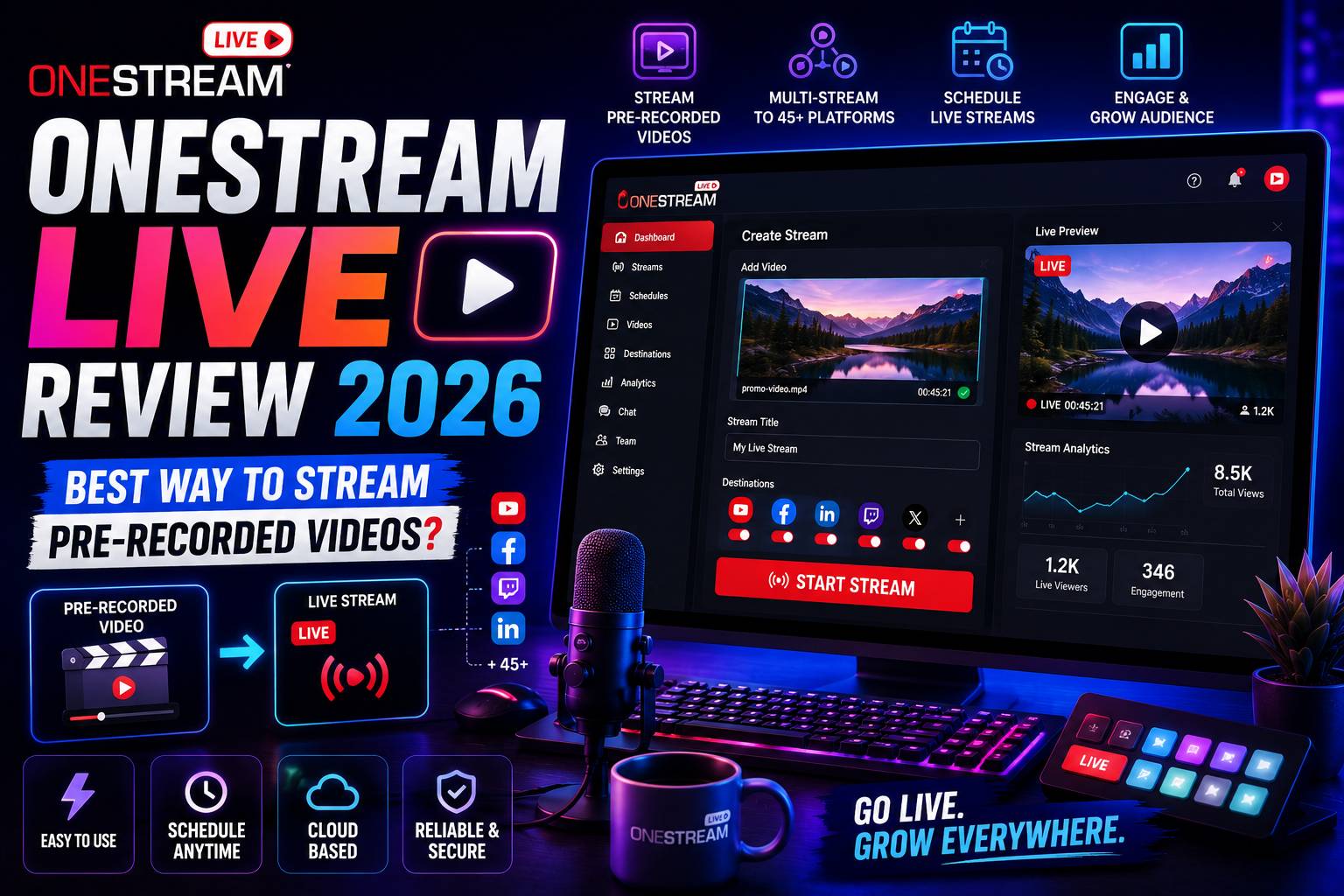
OneStream Live Review: Key Features & Benefits
Many broadcasters read a OneStream Live Review specifically to learn how to stream pre-recorded videos as if they were live.
Unlike traditional desktop encoders that require your computer to remain on during a broadcast, OneStream Live executes everything on their secure cloud servers. You simply upload your video, set a time, and the platform distributes the stream automatically.
With OneStream Live, you can schedule pre-recorded videos to go live up to 60 days in advance. You can easily loop broadcasts 24/7 on YouTube, Facebook, and Twitch, completely freeing up your personal hardware and bandwidth.
Main Streaming Capabilities Analyzed
To make this OneStream Live Review practical, let's explore their core functional areas:
Pre-Recorded Video Scheduling
Upload any saved video from your device or cloud storage (Google Drive, Dropbox) and schedule it to stream live to multiple platforms seamlessly.
OneStream Studio
A powerful browser-based streaming studio that lets you host live shows, invite remote guests, display custom overlays, and share your screen.
40+ Streaming Destinations
Broadcast to all major social channels—including Facebook, YouTube, Twitch, Instagram, Twitter/X, and custom RTMP servers—simultaneously.
Unified Live Multi-Chat
View and respond to incoming viewer chat messages from different platforms inside one unified chat console, streamlining your audience engagement.
Cloud Storage Integration
Directly import video assets from cloud networks like Frame.io, OneDrive, or Box, skipping the need to download files locally first.
Custom Embed Player
Generate a fully branded HTML5 video player to embed your live broadcasts directly onto your private website or business landing pages.
Our Real Experience Testing the Platform
During our testing for this OneStream Live Review, we scheduled several pre-recorded live events and monitored the stream quality on YouTube and Facebook.
We were highly impressed by the zero-latency cloud handover. The stream started precisely at the scheduled second, and the video quality was a flawless, un-buffered 1080p throughout the broadcast. If you are comparing browser-based video studios, check out our guide on StreamYard alternatives.
OneStream Live vs. Competitors
How does it compare to other tools? Check out this feature breakdown in our OneStream Live Review comparison table:
| Feature | OneStream Live | Standard Competitors |
|---|---|---|
| Pre-Recorded Streams | Yes, up to 8 hours per video file | Limited or unsupported |
| Cloud Storage Import | Yes, integrates with 5+ cloud drives | Only local video uploads allowed |
| Web Browser Studio | Yes, fully-featured OneStream Studio | Yes, standard studio overlays |
| Destinations | 40+ social platforms & Custom RTMP | Usually capped at 3 to 5 destinations |
| Stream Loop Options | Yes, supports continuous 24/7 looping | Rarely supported on starter plans |
OneStream Live Pricing & Subscription Tiers
As part of any complete OneStream Live Review, we must look at the pricing tiers and limits of their cloud subscription model:
- Free Plan ($0/mo): Allows streaming to 1 social platform, OneStream Studio (with watermark), and up to 5-minute pre-recorded streams.
- Basic Plan ($15/mo or $12/mo billed annually): Connect up to 3 social accounts, stream pre-recorded videos up to 15 minutes long, and unlocks 5GB of cloud storage.
- Standard Plan ($39/mo or $32/mo billed annually): Best value. Allows 15 social accounts, 1-hour pre-recorded stream length, OneStream Studio (no watermark), and 1080p HD quality.
- Professional Plan ($89/mo or $74/mo billed annually): Designed for power users, offering up to 8-hour pre-recorded stream lengths, 4K video quality, and 50GB of cloud storage.
Final Verdict
To summarize our OneStream Live Review, we can confidently state that OneStream Live is the absolute gold standard for scheduled pre-recorded live streaming.
While real-time browser streaming is competitive across other tools, OneStream’s robust cloud-scheduling, extensive destination support, and cloud-drive integrations make it unmatched for automated, 24/7 video broadcasting.
If you want to grow your social audience without the stress of being live on camera constantly, OneStream Live is an exceptional asset.
Start Streaming with OneStream