StreamYard Review 2026: Is It Still the Best Live Streaming Software for Creators?
StreamYard is one of the most popular browser-based live streaming studios used by podcasters, content creators, and businesses to stream directly to multiple social platforms.
In 2026, the demand for high-quality, professional remote video content is at an all-time high. While desktop encoders like OBS offer ultimate control, StreamYard promises a complete professional live production studio right in your web browser.
Following its acquisition by Bending Spoons, StreamYard has rolled out notable updates, interface refreshes, and AI clipping features. But with these updates also came pricing adjustments. In this review, we look at the exact features, performance, and current pricing of StreamYard to see if it remains worth your investment.
What Is StreamYard?
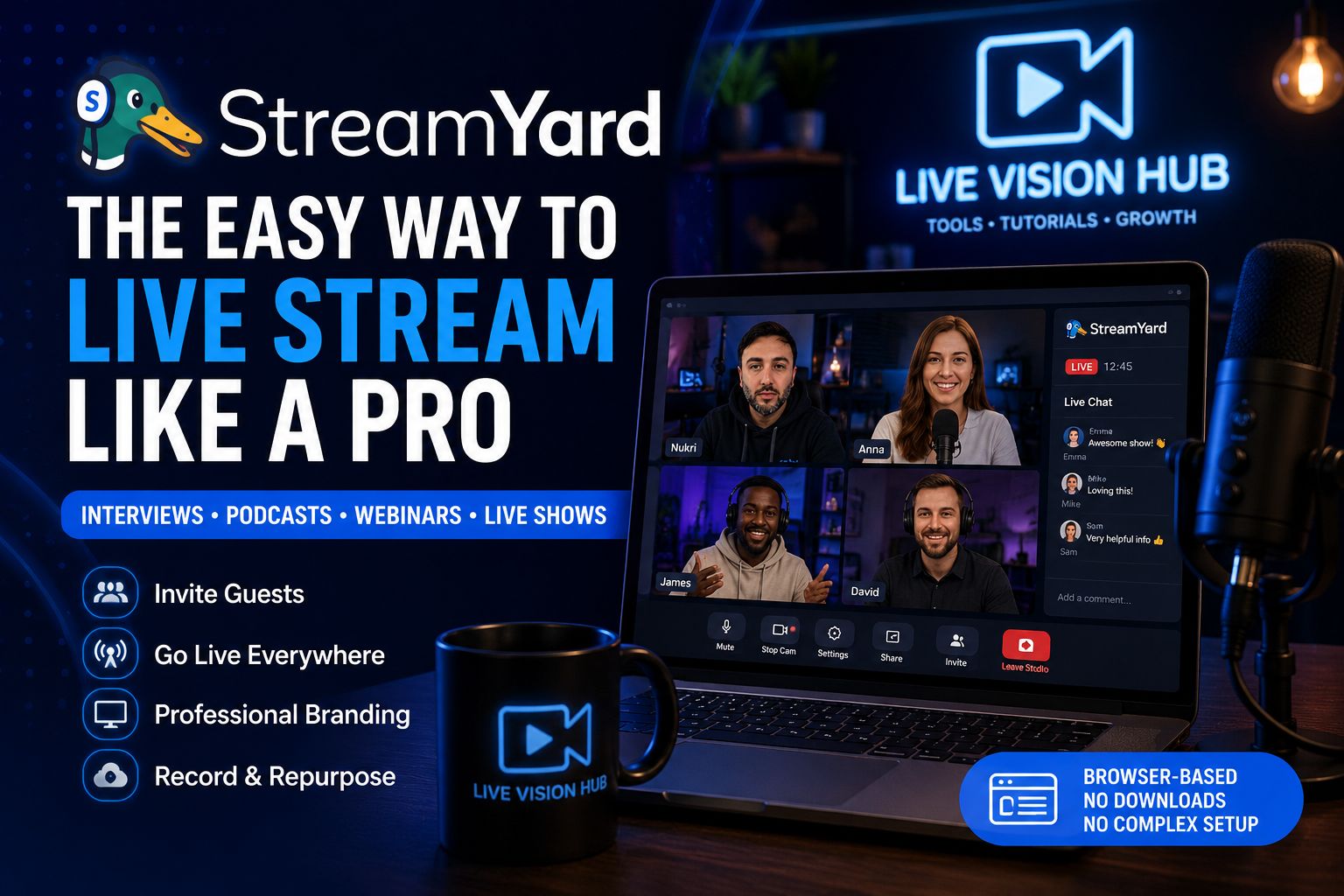
StreamYard is a cloud-based live streaming studio that allows creators to broadcast high-quality video directly to platforms like YouTube, Facebook, Twitch, LinkedIn, Twitter/X, and custom RTMP destinations.
The standout feature of StreamYard is its extreme simplicity. You do not need to download software, configure bitrates, or have a powerful desktop computer. Everything runs smoothly from Chrome, Firefox, or Safari, allowing you to invite remote guests simply by sharing a web link.
The guest onboarding is completely friction-free. Remote interviewees can join your studio from their phone or computer with a single click, without registering for an account or installing extensions.
Core StreamYard Features
Multistreaming
Broadcast to multiple platforms at the exact same time to expand your reach, without using extra computer CPU or internet bandwidth.
Local Recordings
Record separate high-quality audio and video tracks locally for each individual guest, ensuring crystal-clear files for post-production editing.
Guest Backstage (Greenroom)
Keep your upcoming guests backstage where they can view and hear the live show without being visible to the audience until you bring them on.
AI Clipping Tools
Easily extract vertical shorts, reels, or highlight clips from your recorded streams with auto-generated captions to repurpose content quickly.
On-Air Webinars
Host webinars directly on your own website or custom StreamYard landing pages with custom registration forms and secure viewer access.
Custom Branding
Easily upload your brand logo, custom overlays, animated countdown timers, background graphics, and color-matched text banners.
Why StreamYard Stands Out for Creators
In the fast-moving landscape of digital media, consistency is key. StreamYard remains a top choice because it removes technical hurdles. Rather than focusing on scene transitions, audio sync, or video encoders, you can focus on your content and audience.
StreamYard's interface has been updated to support organized workflows, allowing hosts to easily drag-and-reorder guest backstage layouts. It performs exceptionally well for:
- Live-interview shows and panels
- Interactive podcasts with audience Q&As
- Hybrid virtual events and webinars
- Corporate video broadcasts and internal announcements
- Gaming and live-selling content
StreamYard vs. Traditional OBS Setup
| Feature | StreamYard | OBS Studio |
|---|---|---|
| Setup Complexity | Extremely simple, web-browser based | Steep learning curve, desktop installation |
| Guest Management | One-click link invite | Requires complex third-party tools (NDI, VDO.ninja) |
| Hardware Requirements | Low (runs on cloud servers) | High (requires strong CPU/GPU) |
| Multistreaming | Built-in cloud distribution | Requires plugins or paid external restream servers |
| Best For | Podcasters, interviewers, remote teams, quick setups | Advanced gamestreamers, complex graphic overlays |
Things to Consider Before Using StreamYard
Following StreamYard’s acquisition by Bending Spoons, pricing has adjusted significantly across paid tiers. For casual or hobbyist creators, the cost may feel high compared to completely free options like OBS.
Additionally, because it is browser-based, you are limited by the browser's technical boundaries (e.g., maximum resolution for live streaming is 1080p, while 4K is reserved for local recording files).
StreamYard Pricing Plans in 2026
StreamYard structures its pricing around usage gates, destinations, and team limits, offering several paid tiers alongside a testing plan:
- Free Plan ($0): Best for basic testing. Stream to 1 destination at 720p with up to 6 on-screen participants and the StreamYard watermark.
- Core Plan ($44.99/mo or $35.99/mo billed annually): Unlocks 1080p, removes the watermark, allows up to 3 simultaneous destinations, 10 on-screen participants, and custom branding.
- Advanced Plan ($88.99/mo or $68.99/mo billed annually): Designed for professionals. Adds up to 8 simultaneous destinations, On-Air webinars, downloadable transcripts, and 15 backstage participants.
- Teams Plan ($298.99/mo): Best for agencies or businesses with multiple content creators, offering roles and team swapping.
Final Verdict
Despite rising competition and pricing changes, StreamYard remains one of the most reliable, feature-rich, and simple live-streaming platforms available today.
Its stability, ease of remote guest invite, and high-quality cloud multi-streaming make it an incredibly productive tool for creators who value time and simplicity over technical troubleshooting.
If you host interviews, run webinars, or want to broadcast to multiple social channels with professional overlays and high-quality local audio/video tracks, StreamYard continues to deliver exceptional performance.
Get Started with StreamYard